.png?width=140&height=53&name=image%20(44).png)
Changing your delivery details is a piece of cake! We've made it super easy for you.
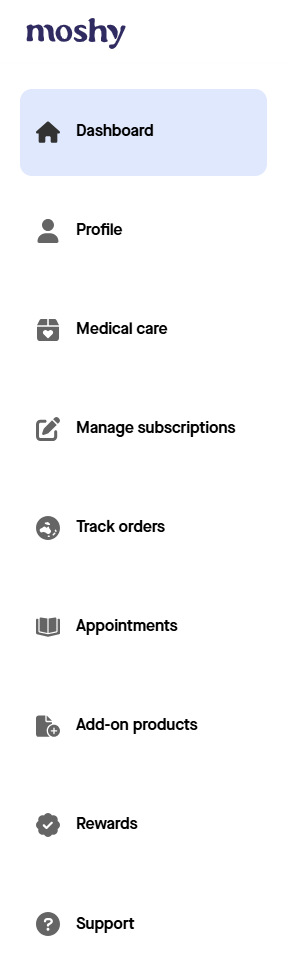
- Simply log in to your Moshy Portal.
- Give 'Profile' a quick click.
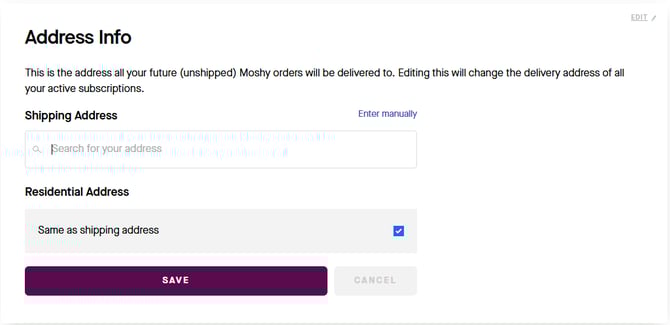
- Scroll down to 'Address info' and click "Edit". This is where you can update both your residential and shipping addresses (if they're different!).
🔔 Things to note
- Order already placed but not yet shipped? If you've placed an order that hasn't shipped and need to update the address, please reach out to our friendly customer service team right away at hello@getmoshy.com.
- Order already shipped? Unfortunately, once it's shipped, we can't change the address for that specific order. Please be sure to update your details in the Portal for all future orders!